
Way back in June, I installed VirtualBox, OEL (5.3), 11gR1 and ApEx. To do that, I followed this guide on OTN by John Smiley (thanks John!). This time, I was going to try to do it from the docs. I can't say it was easy to read, so I was back at John's article before to long.
First up was preparing OEL for the database install. This included setting up kernel parameters and loading some extra libraries. There were slight differences between OEL 5.3 and 5.4, but I had the docs handy...and the installer complained loudly if something was amiss.
Next up, mount a shared folder in the virtual machine so that I could keep it to a relatively small size, 15 GB to be exact. Plus, I wanted to use the shared folders functionality. So I created a directory in the /mnt directory called software (as root of course), then mounted the shared folder.
root@oracledb#mkdir software"software" was the name I gave the shared folder through the VirtualBox interface, that mapped to /opt/software on my host machine (ubuntu 9.04).
root@oracledb#mount -t vboxsf software /mnt/software
Then I downloaded the 11gR2 software, 2 files, linux_11gR2_database_1of2.zip and linux_11gR2_database_2of2.zip. I then used Archive Manager to extract the files. Strangely, it created 2 folders, "database" and "database(2)." That can't be right.
Back to OEL and I cd'd to the directory, /mnt/software/11gR2/database and ran the installer.
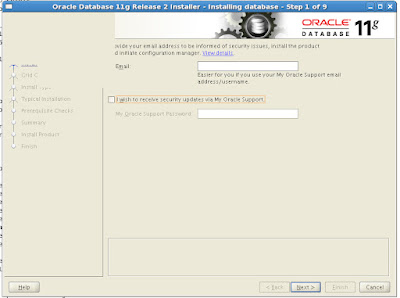
I did not provide my email address and I unchecked the box that would send me updates from Oracle Support.
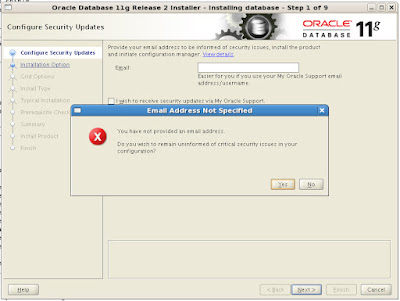
Selected Yes to continue.
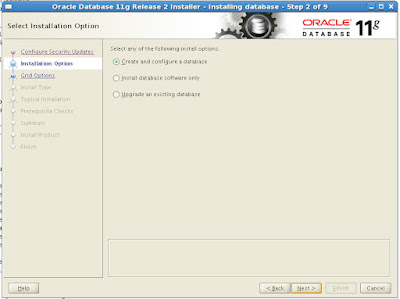
I'm just accepting the defaults here.
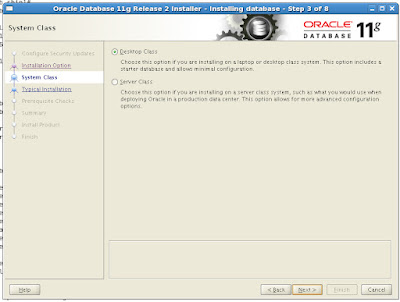
Not really sure what the difference is between a Desktop Class and Server Class install, so I again accepted the default (Desktop).
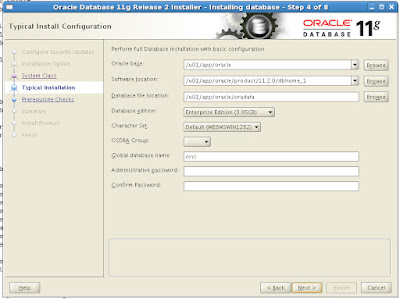
Now I have to fill in 4 fields:
* OSDBA Group (drop down)
* Global database name
* Administrative password
* Confirm password
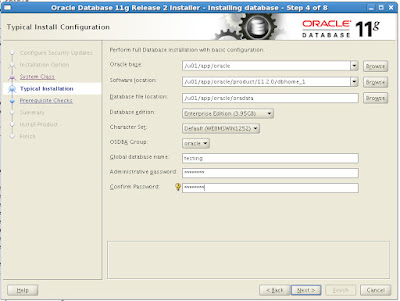
* OSDBA Group = oracle (for me)
* Global database name = testing
* Administrative password = testing, whoops, strong password rules, not testing
* Confirm password = same as above
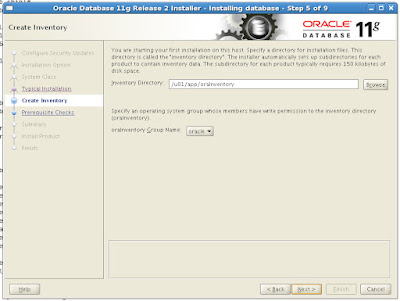
I chose "oracle" as the oraInventory Group Name.
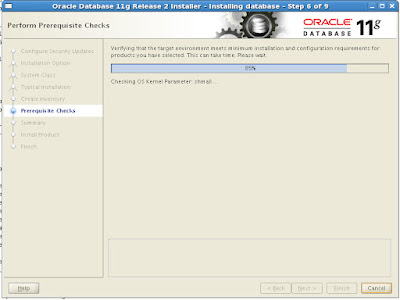
Some prerequisite checks, to make sure I have the right libraries and the kernel parameters are OK.
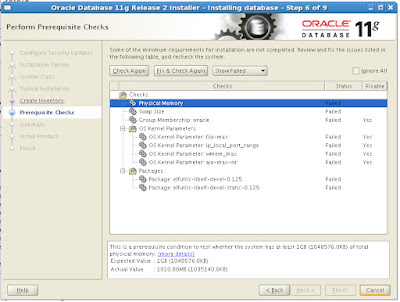
This is when I realized the values were different between 11gR1 and 11gR2 and went back to the docs to get the correct ones. I realized afterwards though, that if you select the particular failure, it will tell you what the values should be. Nice.
After I went back and changed the values, I only had a failure on the memory check, but I checked the "Ignore All" checkbox and proceeded forward.
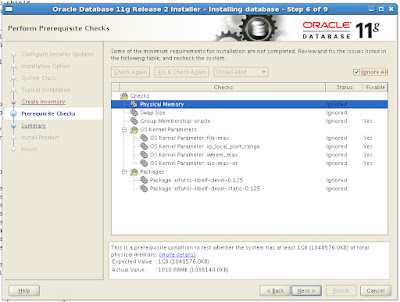
(I missed a screen shot the second go-around, so ignore the OS Kernel Parameters and Package errors.
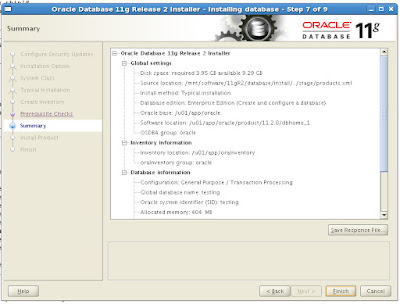
Confirmation screen.
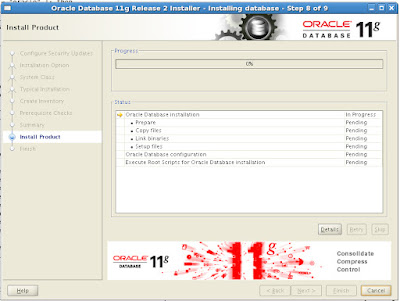
And were off!
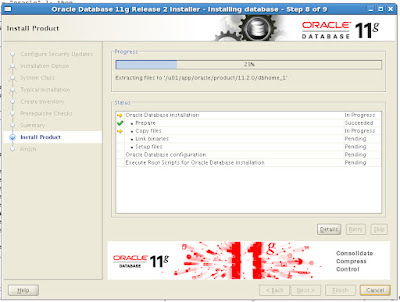
I like to take a lot of pictures.
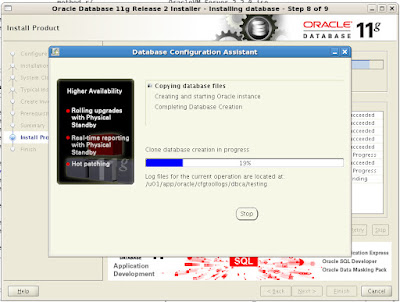
Creating the database...
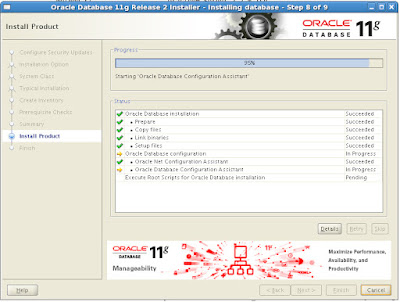
Screen behind the screen.
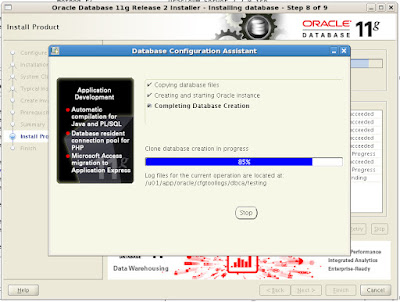
Almost done.
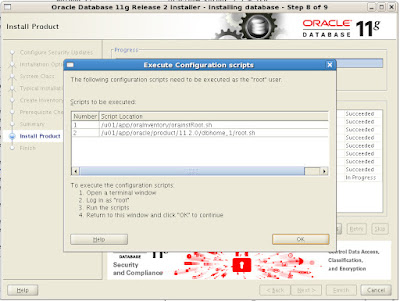
Post-installation tasks.
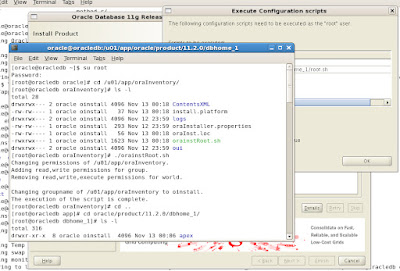
Running /u01/app/oraInventory/orainstRoot.sh
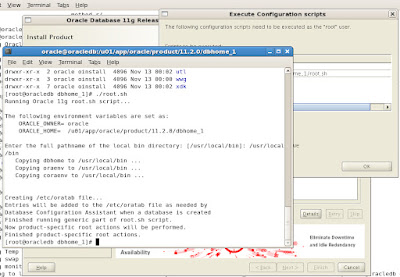
Running /u01/app/oracle/product/11.2.0/db_home_1/root.sh
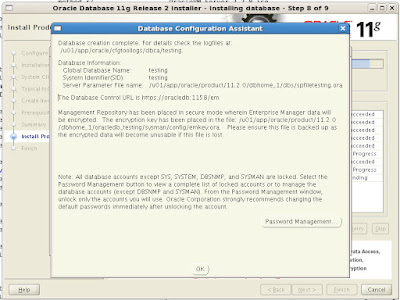
Done.
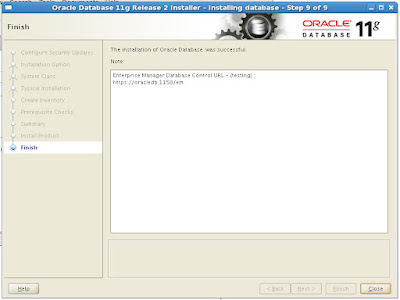
And done.
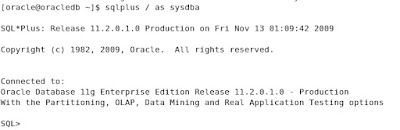
I can login from the virtual machine...
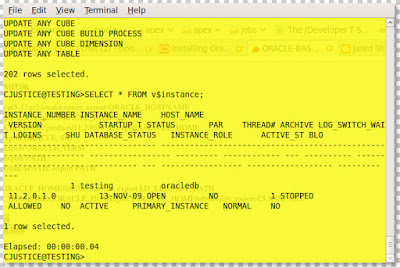
And I can login from the host machine.
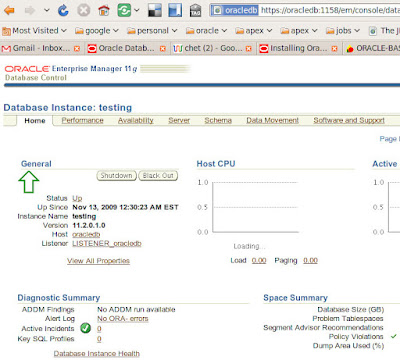
Enterprise Manager from the host machine.
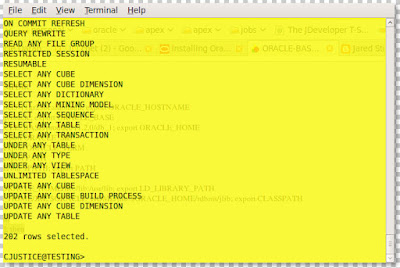
And my new account from the host machine.
Easy right?
Special thanks to Tim Hall as well, he's got a great primer for installing 11gR2, Oracle Database 11g Release 2 (11.2) Installation On Enterprise Linux 5.0.
Almost forgot, my problem with Archive Manager creating "database" and "database(2)"? Solved by twitter naturally:

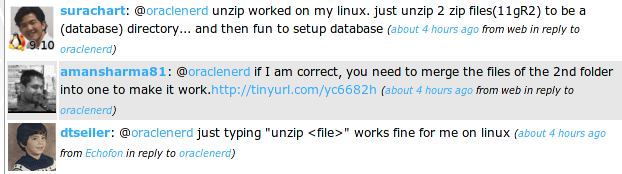
So I unzipped the 2 files from a terminal window and it (apparently) put everything in the same folder. Win.


2 comments:
Welcome 11gR2 ;)
Enjoy...
See, that's why you have to use the command line. Those GUIs try to get too clever for their own (or your) good.
*grumblegrumble*
;-)
Post a Comment